
Introduction
Ensuring your PlayStation 4 is clean is important for maintaining its performance and extending its lifespan. Dust accumulation can lead to overheating and reduced performance. This guide provides you with a step-by-step approach to keeping your PS4 pristine, ensuring it runs seamlessly.
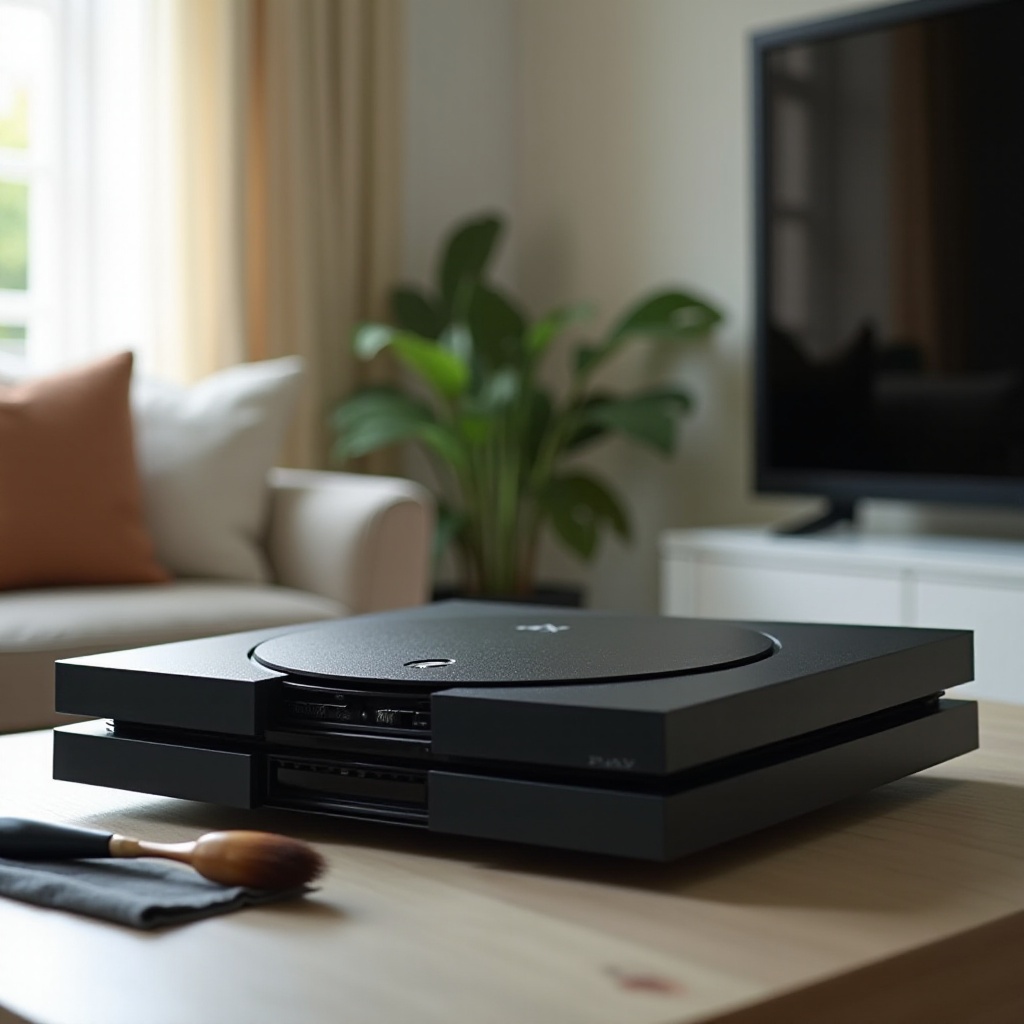
Preparation for Cleaning
Before you begin the cleaning process, it’s vital to gather the correct tools to perform the task efficiently and without damaging your console. You’ll need:
- A soft microfiber cloth
- Compressed air can
- Small vacuum cleaner or handheld blower
- Screwdriver set for opening the console
Safety first: make sure the console is completely powered off and unplugged. Be careful handling the components, as delicate parts risk damage if treated improperly.
Equipped with the right tools, you’re ready to start cleaning the PS4’s exterior, removing visible dust and dirt from the surface.
External Cleaning Procedures
Begin with the PS4’s exterior. Cleaning it will remove any noticeable dirt and dust:
- Use a Microfiber Cloth: Wipe the PS4’s exterior gently, ensuring you cover all areas, focusing on spots with visible dirt or fingerprints.
- Clean the Ports: Employ a cotton swab to carefully clean inside HDMI, USB, and other ports, removing accumulated dust.
- Ventilation Areas: Utilize compressed air to blow dust from the ventilation sections. Keep the can upright to prevent spraying liquid.
With the exterior cleaned, let’s move on to the internal components. Internal cleaning requires careful disassembly to access hidden areas.
Internal Cleaning Steps
Cleaning inside your PS4 enhances performance by reducing heat buildup. Follow these instructions for safe cleaning:
- Disassemble the Console: Using the correct screwdriver, take out screws on the back of the PS4 and carefully open the casing to access internal parts.
- Dust Removal: Blow dust away using compressed air, focusing on the motherboard, fan, and surrounding areas. Keep the air can about six inches away to avoid damage.
- Vacuum Excess Dust: If stubborn dust remains, use a small vacuum to gently extract it, avoiding direct contact with sensitive components.
Now that dust is removed from the inside, we can focus on advanced care, cleaning critical components such as the fan and applying thermal paste.
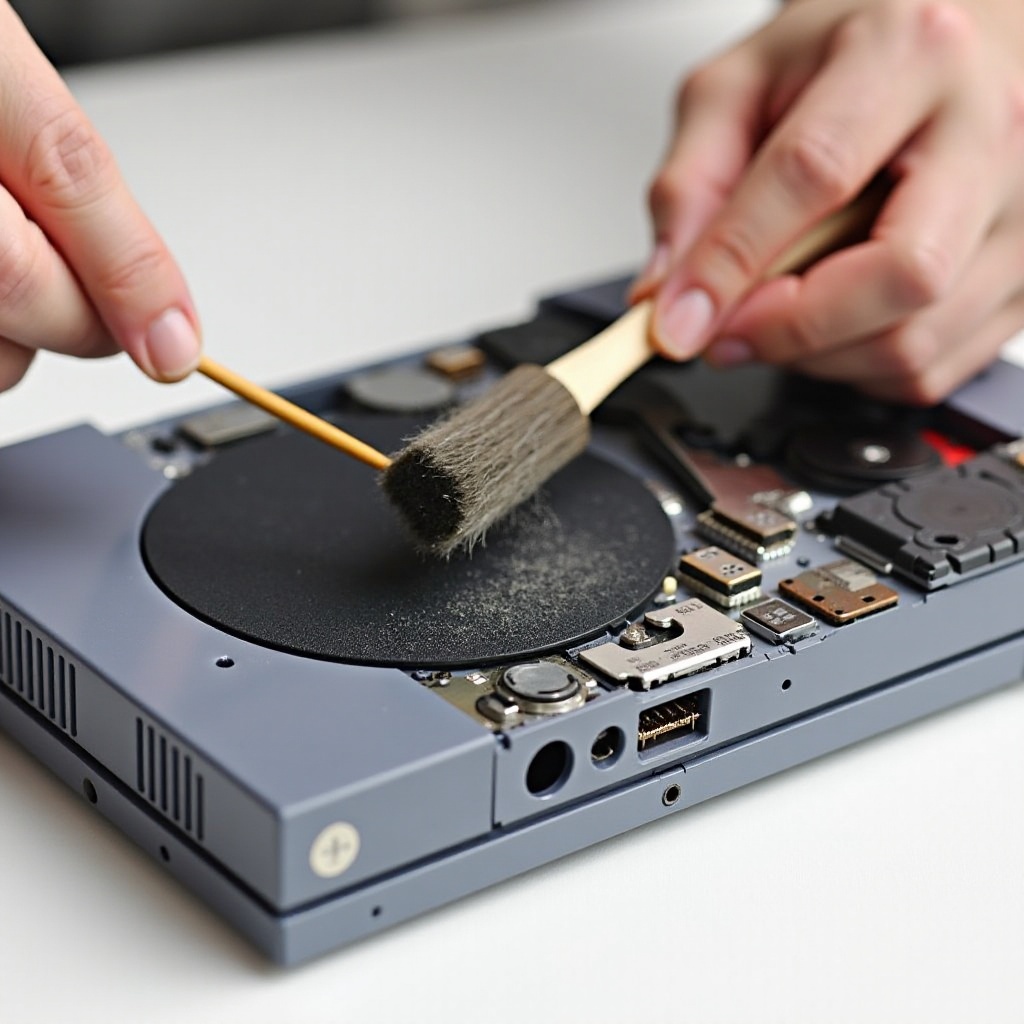
Advanced Internal Care
Advanced internal care is crucial for your PS4’s longevity, involving cleaning the fan and checking the thermal paste:
- Fan Cleaning: Dust each blade with a cotton swab and use the blower to eliminate lingering particles.
- Thermal Paste Inspection: Examine the thermal paste on the processor. If deteriorated, apply fresh paste to maintain effective heat conduction.
After ensuring vital parts are clean, it’s time to reassemble the PS4 and clean the controllers.
Reassembly and Controller Cleaning
With everything clean, reassembly is next. Follow these steps:
- Reassemble the Console: Align the casing carefully and secure with screws. Ensure all detached components during cleaning are reattached properly.
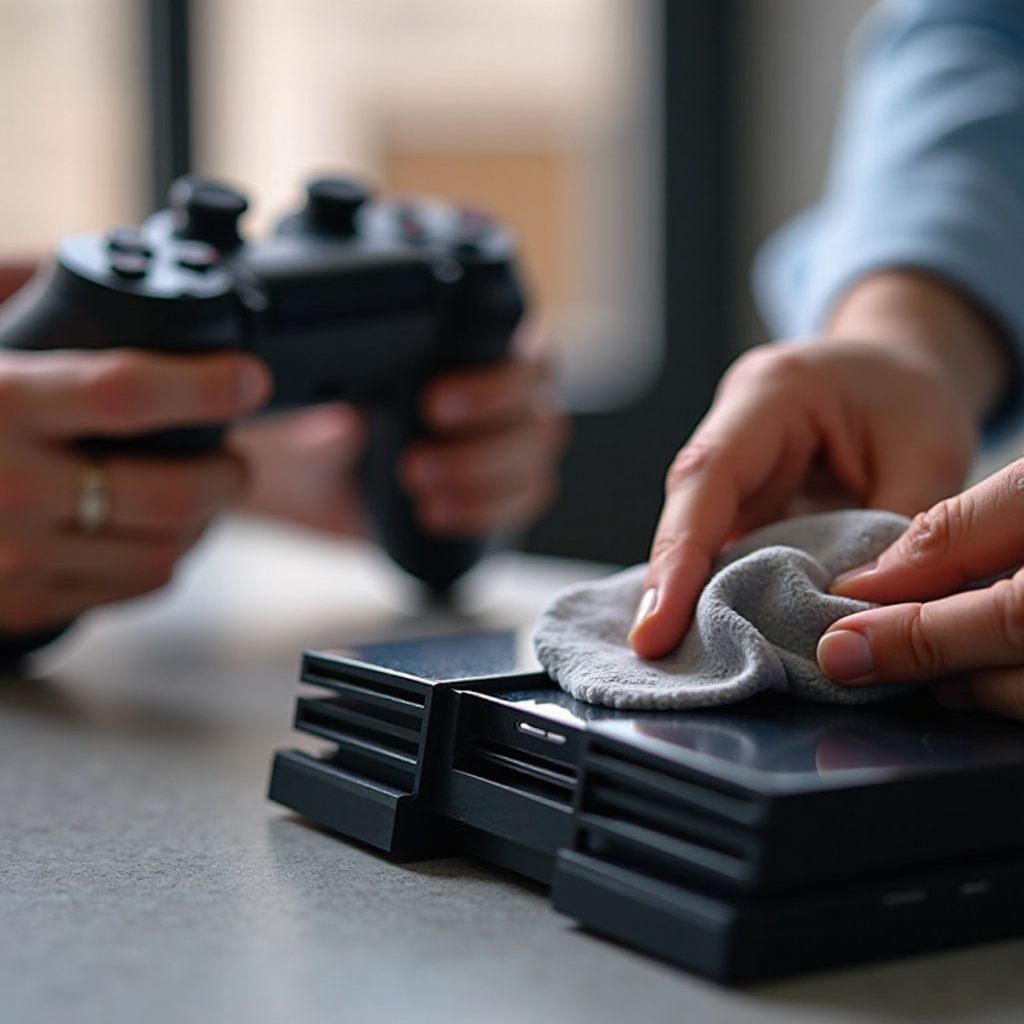
- Controller Cleaning: Cleanse the controller’s surface with a microfiber cloth. For buttons and stick edges, cotton swabs are useful.
Having cleaned consoles and controllers, implementing preventive measures will help maintain overall cleanliness.
Preventive Maintenance Tips
Routine preventive care prolongs your PS4’s optimal condition:
- Regular Cleaning Schedule: Set reminders to clean your PS4 every few months, based on dust levels in your environment.
- Dust-Free Environment: Consider using air purifiers and avoid placing the console near vents or on carpets.
Continual maintenance ensures excellent gaming performance, protecting your console investment over time.
Conclusion
A clean PlayStation 4 significantly improves performance and extends its lifespan. These cleaning steps give you an effective way to maintain a dust-free gaming experience, allowing for uninterrupted enjoyment for years to come.
Frequently Asked Questions
How often should I clean my PlayStation 4?
You should clean your PlayStation 4 every 3-6 months to ensure optimal performance and prevent dust build-up.
What tools are best for cleaning my PS4?
Essential tools include a microfiber cloth, compressed air can, small vacuum, and screwdrivers. These help in effectively removing dust without damaging components.
Is professional cleaning necessary for my console?
While not required, professional cleaning ensures thorough maintenance. It can be beneficial if you’re unsure about handling delicate parts or need extensive internal care.