
Introduction
The iPhone charging port can occasionally encounter issues, leading to a number of connectivity problems or total charging failure. If you’ve noticed irregular charging or encounter resistance when plugging in your charger, it might be time to consider port replacement. This guide helps you understand how to identify port issues, decide between DIY and professional repair options, and maintain your device after a successful fix.
Understanding iPhone Charging Port Issues
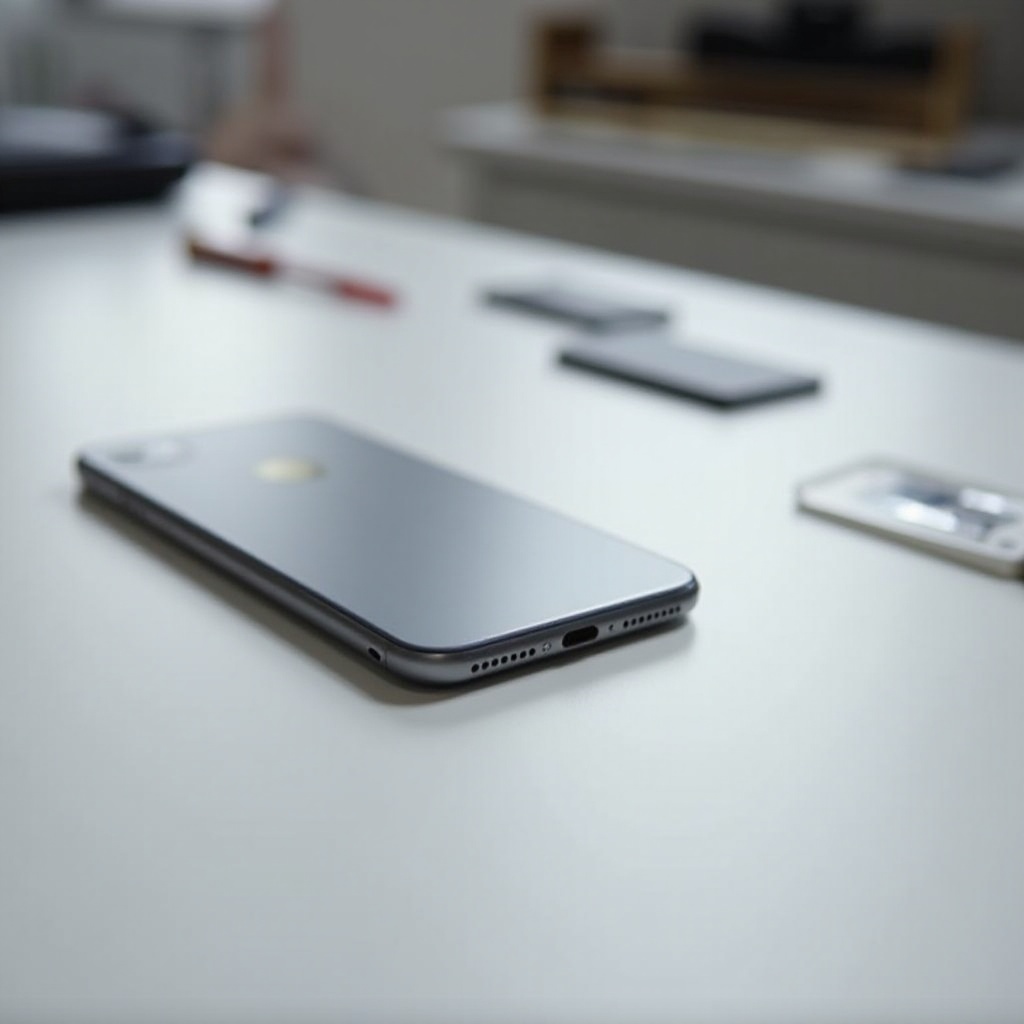
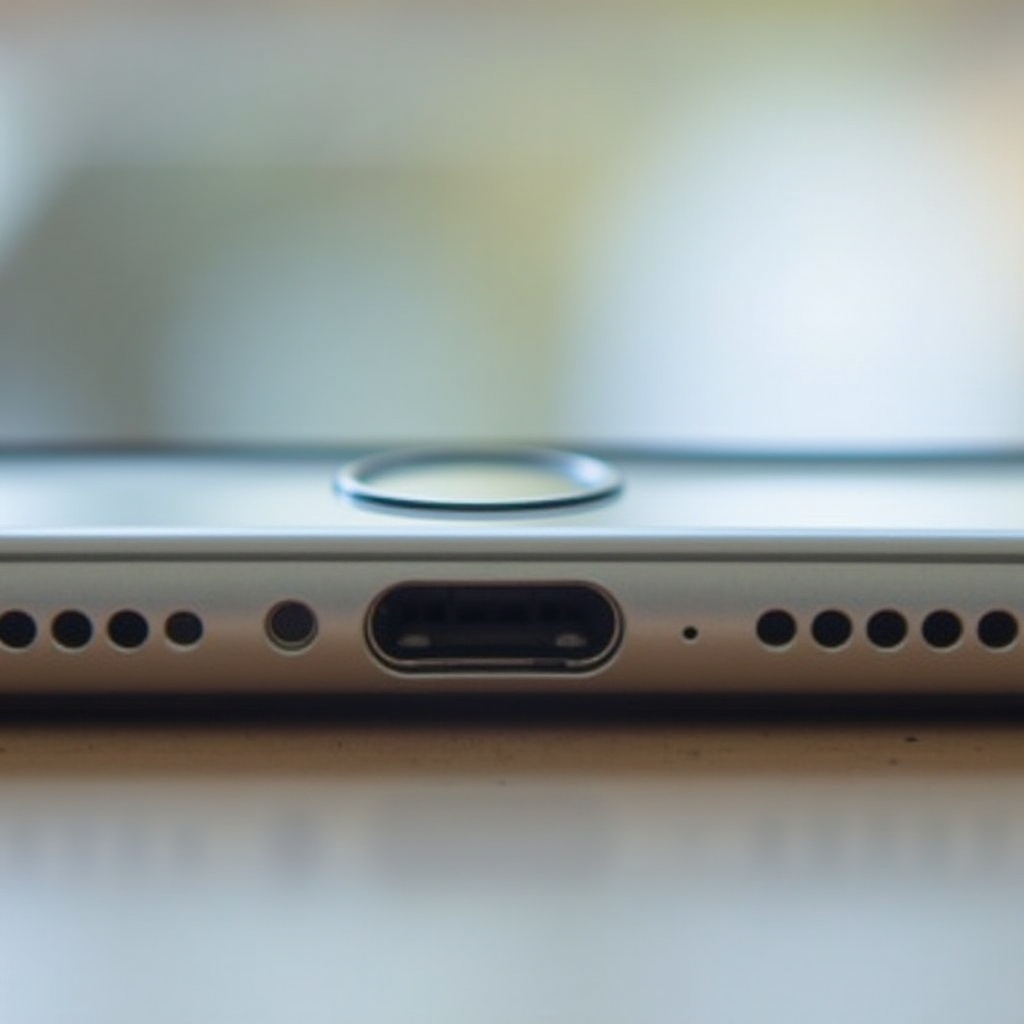
Charging ports can malfunction due to various reasons such as accumulated debris, physical damage, or internal component failures. These issues often lead to intermittent charging, or sometimes, the device not charging at all. Being aware of these potential problems allows you to diagnose charging port issues effectively. After understanding the cause of malfunction, you can decide whether a thorough cleaning will suffice or if it’s time for a replacement.
Signs Your Charging Port Needs Replacement
Before you decide on replacing the charging port, look for signs that indicate it’s necessary:
– Sudden stops and starts in charging
– Loose connection when the charger is plugged in
– The phone no longer charges or recognizes a power source
Recognizing these symptoms shifts the focus towards evaluating whether a replacement is needed or if cleaning suffices, so you can assess your options for repair.
Considering Your Options: DIY vs Professional Help
Once you’ve confirmed that your charging port might need replacing, there are two clear paths: DIY approach or professional service.
Pros and Cons of DIY Replacement
- Pros:
- Cost savings
-
Learning opportunity
-
Cons:
- Risk of further damage
- Warranty could be voided if done incorrectly
Why Hire a Professional?
Professional help ensures quality and minimizes risks. Repair technicians follow precise methods and their services often cover any mistakes should they occur. Although pricier, professional repairs offer peace of mind. After weighing these options, you can choose the best path based on your confidence in handling electronics.
For those who opt for a DIY approach, thorough preparation is key to a successful replacement.
DIY Charging Port Replacement Guide
If you’re ready to tackle the replacement yourself, it’s essential to have the right tools and understand the process.
Tools and Materials Needed
- Toolset with specific screwdrivers for iPhones
- Replacement parts
- Tweezers, suction cup, spudger
- Access to detailed repair guides specific to your iPhone model
Step-by-Step Replacement Instructions
- Ensure your data is backed up.
- Power down the device.
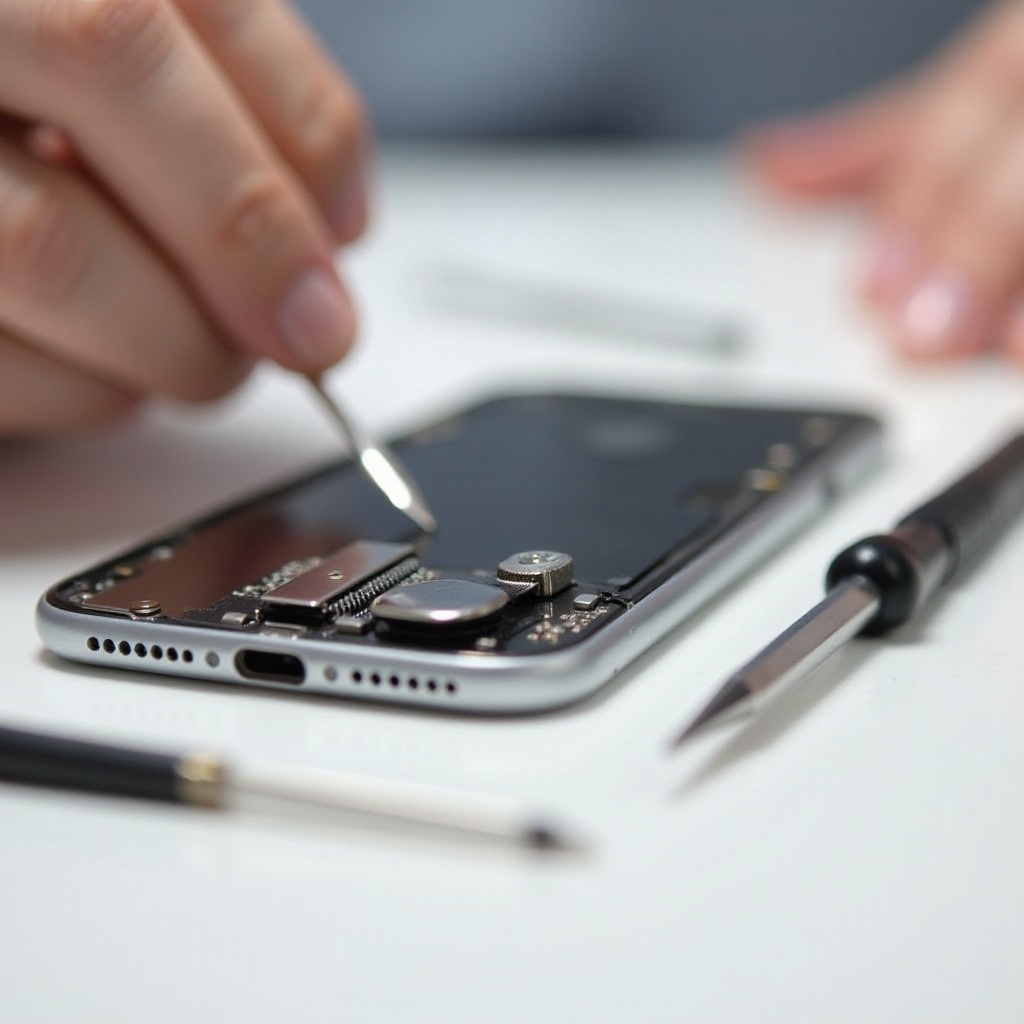
- Open the device using a suction cup and spudger carefully.
- Disconnect battery and other components.
- Unclip and replace the charging port.
Safety Precautions
- Work on a flat surface.
- Ground yourself to avoid static discharge.
- Follow every step carefully to prevent mistakes.
After completing the replacement, it is critical to test the new port’s functionality.
How to Test Your New Charging Port
Testing confirms the success of your DIY repair:
– Reassemble your iPhone carefully.
– Plug in a charger and check for secure fit.
– Ensure the device charges smoothly.
If issues arise, revisiting the replacement steps can help you identify what might have gone wrong.
Post-replacement, taking special care of your charging port becomes crucial to avoid repeat problems.
Maintenance Tips for Your Charging Port
Keeping your charging port clean and secure is vital:
– Regular cleaning to remove dirt and debris
– Handling connections gently
– Use high-quality certified cables
– Avoid exposing your phone to extreme temperatures
By following these maintenance tips, you enhance the longevity and reliability of your charging port.
Conclusion
Choosing whether to replace an iPhone charging port on your own or through professional services depends on your comfort level with technical repairs. Understanding the process and maintaining your device ensure its optimal performance. Ultimately, protecting such a vital component safeguards your device’s functionality well into the future.
Frequently Asked Questions
Is it worth replacing an iPhone charging port yourself?
Yes, if you’re comfortable with electronics and want to save money. However, ensure you understand the process and risks involved.
How much does professional charging port replacement cost?
Costs vary, generally between $50 and $100, depending on your location and the repair service, though it offers peace of mind.
Can I prevent future charging port issues?
Absolutely! Maintain cleanliness, use quality cables, and handle with care to prolong its lifespan and functionality.