
Introduction
Sony WH-1000XM4 headphones are celebrated for their outstanding sound quality and state-of-the-art noise cancellation. If you’re keen on achieving a fully immersive audio experience while gaming on PlayStation 5, you may be curious about how these headphones can integrate with the console. This guide delves into the compatibility between Sony WH-1000XM4 and PS5, offering a detailed look at setup procedures and solutions for overcoming common connectivity issues, ensuring your gaming audio reaches its fullest potential.
Understanding PS5 Audio Compatibility
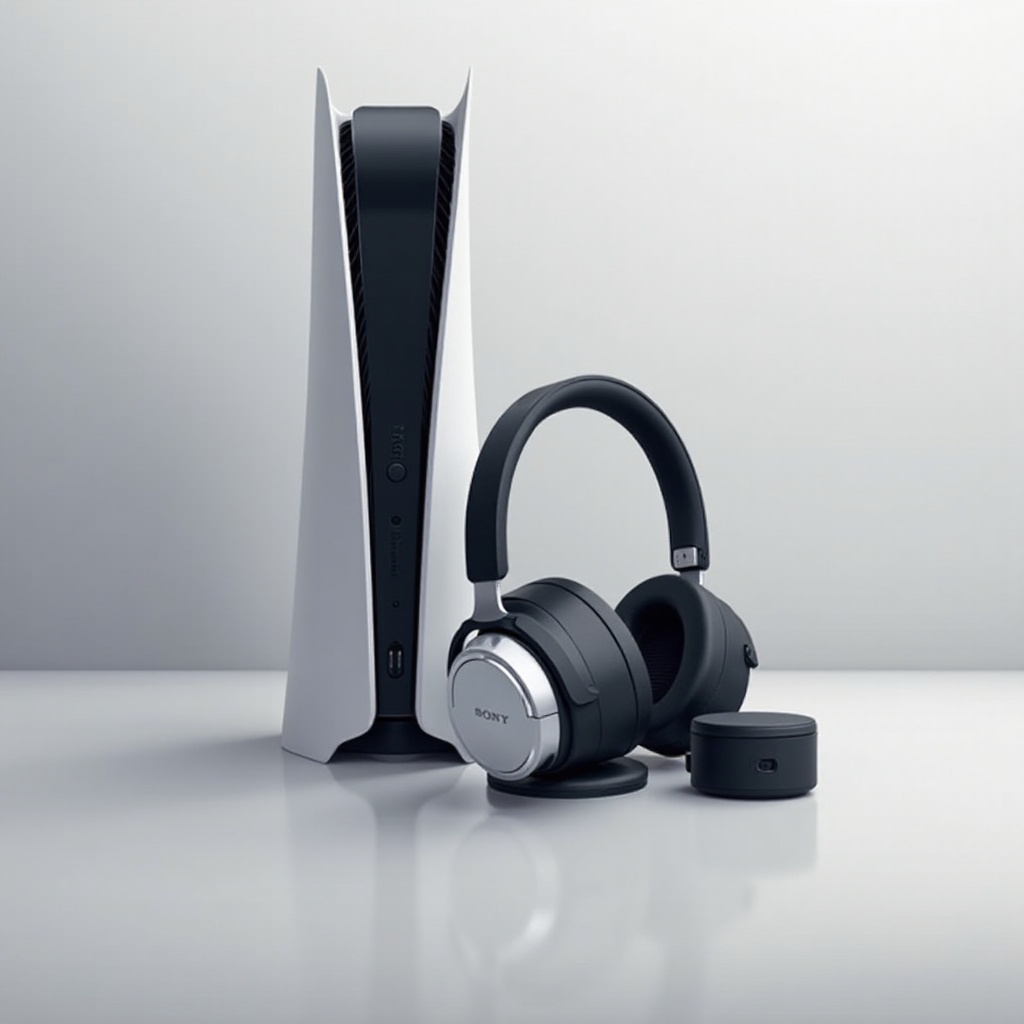
The audio capabilities of PlayStation 5 are crafted to provide gamers with a more enhanced experience, complete with advanced sound systems that redefine game audio. However, a noteworthy limitation is PS5’s lack of native support for Bluetooth audio devices, a hurdle when pairing it with premium wireless headphones like the Sony WH-1000XM4. By understanding the ins and outs of PS5’s audio compatibility, users can navigate the landscape of connectivity options to best configure their devices for the ultimate sound experience.
Exploring the technology underpinning the PS5 sets the stage for tackling the integration of high-tech headphones. Once the basics of console capabilities are addressed, the focus shifts to the features that define Sony’s headphones.
Exploring Sony WH-1000XM4 Features
Sony WH-1000XM4 headphones offer audiophiles a deep, rich listening experience thanks to innovations such as Active Noise Cancellation and LDAC codec support. Although tailored initially for impactful music listening, their comfort and sound fidelity have made them a popular choice for gamers seeking richer game audio. Exploring these features reveals why these headphones excel for gaming. However, seamlessly pairing them with PS5 demands specific arrangements given the console’s Bluetooth restriction.
Progressing from the headphone features, the next step is understanding how connectivity options enable their optimal use in a gaming setting.
How to Connect Sony WH-1000XM4 to PS5
For those eager to pair their Sony WH-1000XM4 with PS5, there are two main methods to explore: wired and wireless.
-
Wired Connection Setup: Connect the headphones directly to the PS5 controller using the included audio cable and the 3.5mm jack. This connection ensures stable sound output and eliminates potential latency issues.
-
Wireless Connection Options: Since the PS5 does not support direct Bluetooth connections, employing a Bluetooth transmitter that can be plugged into the console is necessary for wireless functionality. Selecting transmitters with low latency minimizes disruptions during gameplay.
Transitioning from connection setups to enhancing audio performance encourages practical application of the established link.
Boosting Gaming Audio Performance
Optimizing your audio settings on the PS5 is vital for achieving superior sound quality. Consider the following strategies:
-
Configuring PS5 Audio Settings: Access PS5 settings to refine audio preferences. Modifying output from Linear PCM to Bitstream contributes to more refined sound delivery.
-
Enhancing Game Sound Experience: Leverage the headphone’s built-in equalizer to personalize audio settings, amplifying atmospheric soundscapes and dialog clarity.
The exploration of enhanced audio configurations naturally leads into troubleshooting connectivity challenges users might face.
Resolving Common Connection Issues
Several typical issues can arise when attempting to connect Sony WH-1000XM4 to PS5. Here are ways to address them:
-
Troubleshooting Audio Problems: Review headphone settings for any compatibility mode activations and confirm the stability of audio cable connections or Bluetooth transmitter signals.
-
Addressing Latency and Quality Concerns: If operating wirelessly, ensure the use of gaming-optimized transmitters designed to manage latency and secure smooth acoustic transitions.
Efficient solutions redirect focus from setup frustration to the enjoyment of high-quality sound, embedding knowledge of troubleshooting steps needed.
Conclusion
Sony WH-1000XM4 headphones bring unparalleled audio quality and comfort, making them ideal companions for PlayStation 5 gaming sessions. Regardless of choosing wired or wireless setups, understanding connection methods and refining audio configurations are essential steps. Engage in exploration and adaptation to achieve an exceptional audio experience that complements your gaming on PS5.
Frequently Asked Questions
Can Sony WH-1000XM4 connect directly via Bluetooth to PS5?
PS5 does not support direct Bluetooth audio connections. A compatible Bluetooth transmitter is required for wireless connectivity.
What adapters are recommended for connecting Sony WH-1000XM4 to PS5?
Low-latency Bluetooth transmitters or USB audio adapters facilitate connection, reducing audio lag for a better gaming experience.
Are there audio latency issues when using Sony WH-1000XM4 with PS5?
Latency is mainly linked with wireless connections. Using transmitters tailored for gaming can help minimize latency and improve your gaming session.